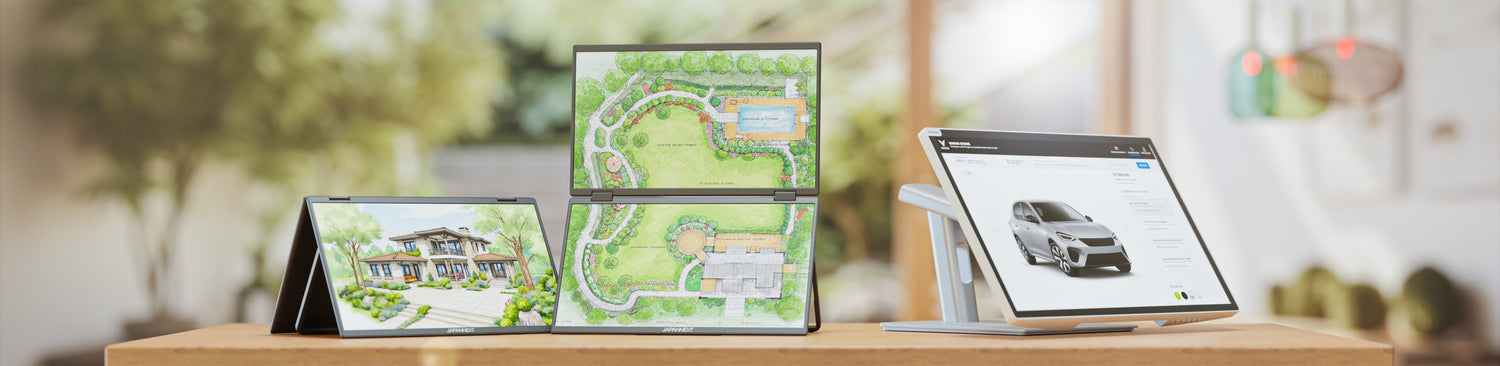
A mobile monitor is an auxiliary screen without its own power supply: it connects to the computer it extends, and this same connection provides it with both the image and power. This is what distinguishes it from a desktop monitor, which requires a wall outlet and a separate video cable.
Specifically, the 15.6-inch model from the JAPANNEXT catalog connects via a single USB-C cable, weighs 1.5 kg with its cover, and displays Full HD 1920 x 1080 on an IPS panel. Placed next to a laptop on a train, in a hotel room, or a vacation rental, it provides that second workspace window you leave at the office.
There remains one condition, and it's the only one that truly matters: the computer's USB-C port must be capable of outputting a video signal. Not all of them do.
A monitor that connects and powers up through the same port
The USB-C connector does not inherently carry an image. It enables this through DisplayPort Alternate Mode, a mechanism standardized by VESA that routes a DisplayPort video signal over the connector pins. Power, on the other hand, falls under another specification, USB Power Delivery, published by the USB Implementers Forum, which defines how two devices negotiate the power exchanged over that same cable.
A mobile monitor utilizes both simultaneously. The computer sends the image and provides power, while the screen simply consumes it. This is why these models do not include a battery: their autonomy is that of the machine to which they are connected.
This dependence has a pleasant mechanical counterpart when traveling: no power adapter to carry, no wall outlet to find on a train or in a station hall.
What the computer must provide for the single cable to work
A USB-C port that does not support video alternate mode will not display anything, regardless of the cable used. The port will function for data and charging, but the screen will remain black. This is the cause of the vast majority of disappointments upon first connection.
Verification is done on the computer's technical specifications, looking for "DisplayPort Alt Mode" or a screen pictogram next to the port. On recent mid-range and high-end machines, the feature is generally present. On entry-level computers and some secondary ports, it is not always available.
There is a fallback. The 15.6-inch JAPANNEXT Mobile Monitor also has a Mini HDMI input, which supports video independently of the USB-C port. In this case, power must come from elsewhere, either via USB-C or a charger, since HDMI only carries the video signal.
15.6 inches, the format that replicates a true second window
Size is by far the most debated criterion for this type of product. Three formats structure the range, with clear compromises.
- 13.3 inches: The 13.3-inch IPS WUXGA HDR Portable Screen displays 1920 x 1200 in a 16:10 aspect ratio. This ratio provides useful height, which is noticeable in documents and code. It is the most discreet format to transport.
- 15.6 inches: The 15.6-inch IPS Full HD Portable Screen displays 1920 x 1080 on an IPS panel with 178-degree viewing angles, HDR10, and 2 x 2 W speakers. This offers a balance between usable surface area and bulk, and matches the diagonal of most laptops, providing two comparably sized windows.
- 23.8 inches: The 23.8-inch IPS Full HD HDR Portable Screen, or its 4K UHD version at 3840 x 2160, offers a workspace similar to a desktop monitor. Transport becomes occasional rather than daily.
The choice is less about the diagonal and more about the frequency of travel. A screen that stays in its bag all week should be small; a screen that moves from one room to another at home should be large.
What a second screen changes depending on location
The real constraint when traveling is rarely the screen's performance: it's the available surface area and the presence of an outlet.
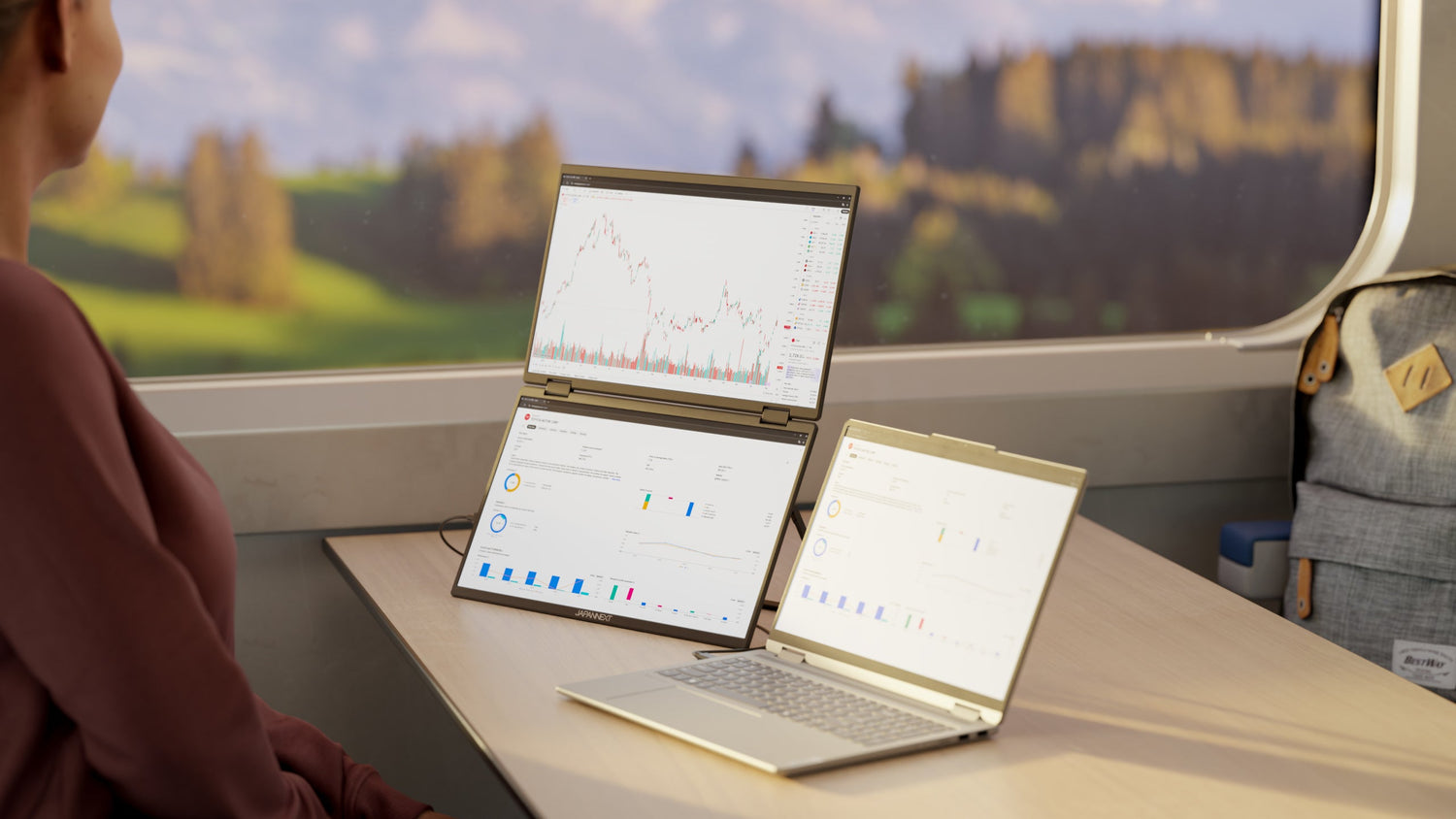
On a train table, there's a lack of both depth and width. A 15.6-inch screen placed on its flap takes up the space of an additional laptop, requiring you to fold up the adjacent seat's tray table or work in an offset configuration.
The absence of a power adapter becomes a decisive advantage here, as train car outlets are often occupied or absent.
In a hotel room or vacation rental, space is not an issue, but the furniture is not a desk. A coffee table or worktop requires a stable screen, and the weight of 1.5 kg with the cover contributes to stability rather than detracting from it.
In a shared workspace, setup and breakdown happen multiple times a day. The single cable and absence of drivers to install make the operation manageable on a daily basis.
What the second screen takes from battery life
A mobile monitor without a battery consumes power from the machine that supplies it. On a laptop plugged into the mains, this is not an issue. When traveling without an outlet, it becomes a concrete concern: the panel, its backlight, and its speakers all represent additional loads on the laptop's battery.
Two settings limit this drain, and they are accessible without tools. Lowering the brightness of the auxiliary screen is the most effective, as backlighting is the primary consumption item for a panel. Unplugging the screen during periods when it's not in use, rather than leaving it to display an empty desktop, avoids the rest.
An alternative exists for long journeys: powering the monitor with an independent USB-C charger instead of the computer, when the Mini HDMI input handles the video part. Consumption then comes from outside the machine's battery.
Windows, macOS, Android: compatibility depends on the port, not the system
A mobile monitor does not require drivers: it registers as a standard display, and all three systems recognize it natively. The compatibility question therefore depends not on the operating system, but on the port.
What matters is the port's ability to output a video signal. A Windows computer whose USB-C port does not support alternate mode will display nothing, whereas a Mac equipped with a compatible port will display immediately. The reasoning is done machine by machine, not system by system.
On mobile devices, the same rule applies, and verification should be done on the device's technical specifications.
JAPANNEXT Mobile Monitors
The nomadic range covers from 13.3 to 23.8 inches, in single or dual panel.
- 15.6-inch IPS Full HD Mobile Monitor, reference JN-MD-i156F-LE: IPS panel, Full HD 1920 x 1080, HDR10, 178-degree viewing angles, USB-C carrying video and power, Mini HDMI input, 2 x 2 W speakers, matte screen, 1.5 kg, cover included.
- 13.3-inch IPS WUXGA HDR Mobile Monitor, reference JN-MD-IPS133WUXGAR: 1920 x 1200 in 16:10, USB-C, HDMI and mini DisplayPort, 2 x 1 W speakers, integrated stand in the protector.
- 23.8-inch IPS Full HD HDR Mobile Monitor, reference JN-MD-IPS238F-C6, and its 4K UHD version, reference JN-MD-IPS238U-C6: USB-C and HDMI, for a surface close to a fixed workstation.
A touch-enabled version of the 15.6-inch model and dual-panel versions complete the range, gathered in the mobile monitors collection.
To go further: choosing and connecting an auxiliary screen
- Choosing your mobile monitor: size, resolution, panel type and ergonomics, the general framework for selection.
- Connectivity of mobile monitors: what each port carries, and how to verify that a port will output an image.
- Monitors with USB-C Power Delivery: the specification that governs power transmitted by the single cable.
- Understanding different monitor panels: the true value of an IPS panel and its viewing angles.
FAQ: Portable monitor
What is a portable monitor?
It is an auxiliary screen without its own power supply, designed to be transported and connected to a laptop, console, or mobile device. It receives both image and power via the same USB-C cable, and registers as a standard screen without driver installation.
Does a portable monitor work with a single USB-C cable?
Yes, provided that the machine's USB-C port supports DisplayPort Alternate Mode, which is the only mechanism that outputs a video signal through this port. If the port does not support it, the screen remains black, and you must use the Mini HDMI input, powering the screen separately.
What size should I choose for a portable monitor?
The 15.6-inch size corresponds to the diagonal of most laptops and provides two comparably sized windows. The 13.3-inch 16:10 size prioritizes discretion and useful height. The 23.8-inch size aims for a desktop-like surface, with transport becoming occasional.
Does a portable monitor need a battery?
The models in the JAPANNEXT range do not include batteries: they are powered by the machine they are connected to, or by a USB-C charger. This eliminates the need for a power adapter when traveling, at the cost of consuming power from the computer's battery life.
Can I connect a portable monitor to a phone?
This depends entirely on the phone, whose USB-C port must be capable of outputting a video signal. Verification should be done on the device's technical specifications, looking for mention of DisplayPort Alternate Mode.