Ultimate Guide to Buy a Monitor
In the digital age, we spend a lot of time in front of screens on a daily basis. For the best visual experience, it is crucial to choose the right monitor for your computer. This article will present the main features to consider when purchasing a monitor, as well as the best choices for different uses such as gaming, 4K, curved screens, ultrawide and desktop.
Features to Consider When Buying a Monitor
To make an excellent choice of monitor, it is important to know the essential criteria to take into account:
- Screen size : The ideal size will depend on the space you have and the distance at which you will use your screen. Common sizes range from 21 inches to 34 inches for ultrawide models.
- Resolution : The higher the resolution, the sharper and more detailed the image will be. Common resolutions are Full HD (1920x1080), Quad HD or QHD (2560x1440), and Ultra HD or 4K (3840x2160).
- Type of panel: There are three main types of display panels - TN, VA and IPS. Each of these technologies has advantages and disadvantages in terms of image quality, response time and price.
- Response time : Response time measures how quickly a pixel can change color. A fast response time of 1ms to 5ms is ideal for video games.
- Refresh rate: The refresh rate determines how many times per second the screen updates the display. In the case of gaming, a screen with a high refresh rate (144 Hz or more) provides better gaming fluidity and responsiveness.
The best monitor according to your needs
Now that you have a better understanding of the key features to consider, let's take a look at the best options on the market to meet different user needs.
Gamer monitors: performance first
For gamers, it is important to favor monitors offering a good compromise between resolution, response time and refresh rate.
- The Full HD option with a refresh rate of 144 Hz will be ideal for competitive gamers looking for maximum performance to take on their rivals online.
- If you want to take full advantage of the graphics of your favorite games, opt instead for a QHD or 4K monitor with IPS panel technology to guarantee optimal colors and viewing angles.
4K monitors : image quality and high resolution
4K is an essential choice for those interested in image quality, whether watching movies in very high definition or working on demanding graphics projects. The ideal monitor here would be:
- A size of 27 inches and more to take full advantage of the higher resolution offered by 4K.
- An IPS panel to guarantee excellent color reproduction and wide viewing angles.
Curved monitors : optimal immersion
Thanks to their enveloping shape, curved monitors offer a more immersive experience than traditional flat models. They are particularly popular with gamers and cinema enthusiasts thanks to their ability to restore details even in the corners of the screen.
- Opt for a curvature radius of 1800R or less for optimal immersion effect.
- Be aware that the larger the screen, the more the curvature is justified.
Ultrawide monitors: extended workspace and multitasking
Ultrawide monitors are an excellent choice for increasing your productivity and multiplying the applications open simultaneously on a single display surface. They are also very popular with gamers for the immersion they offer.
- An ultrawide screen bases its resolution on the 21:9 format, i.e. 2560x1080 in Full HD and up to 3440x1440 in QHD for current models.
- For maximum comfort, opt for a screen size ranging from 29 to 34 inches.
Desktop monitors: versatility and ergonomics
Finally, monitors intended for office use must above all be versatile, comfortable and economical. It is essential that the chosen monitor:
- offers good value for money with a strong and reliable panel;
- features an ergonomic design allowing easy adjustment in height, tilt and rotation;
- has sufficient connectivity such as HDMI, DisplayPort and USB.
With this guide, you now have all the keys to choose the monitor that will perfectly match your needs and your budget. So don't hesitate any longer, all you have to do is place an order!


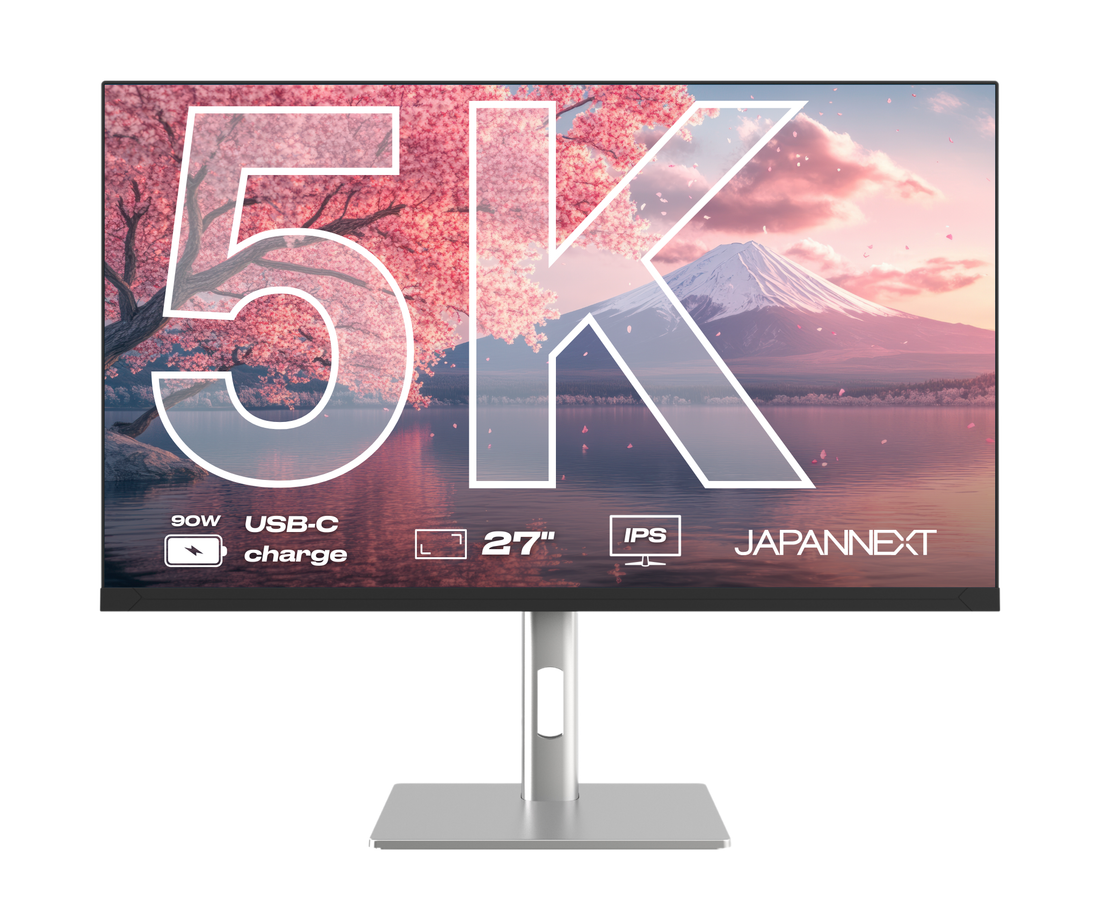
 Desktop Monitor | 27" | IPS | 5KHDR10IncludedsRGB100%PIP / PBPIncludedLow Blue LightIncluded


