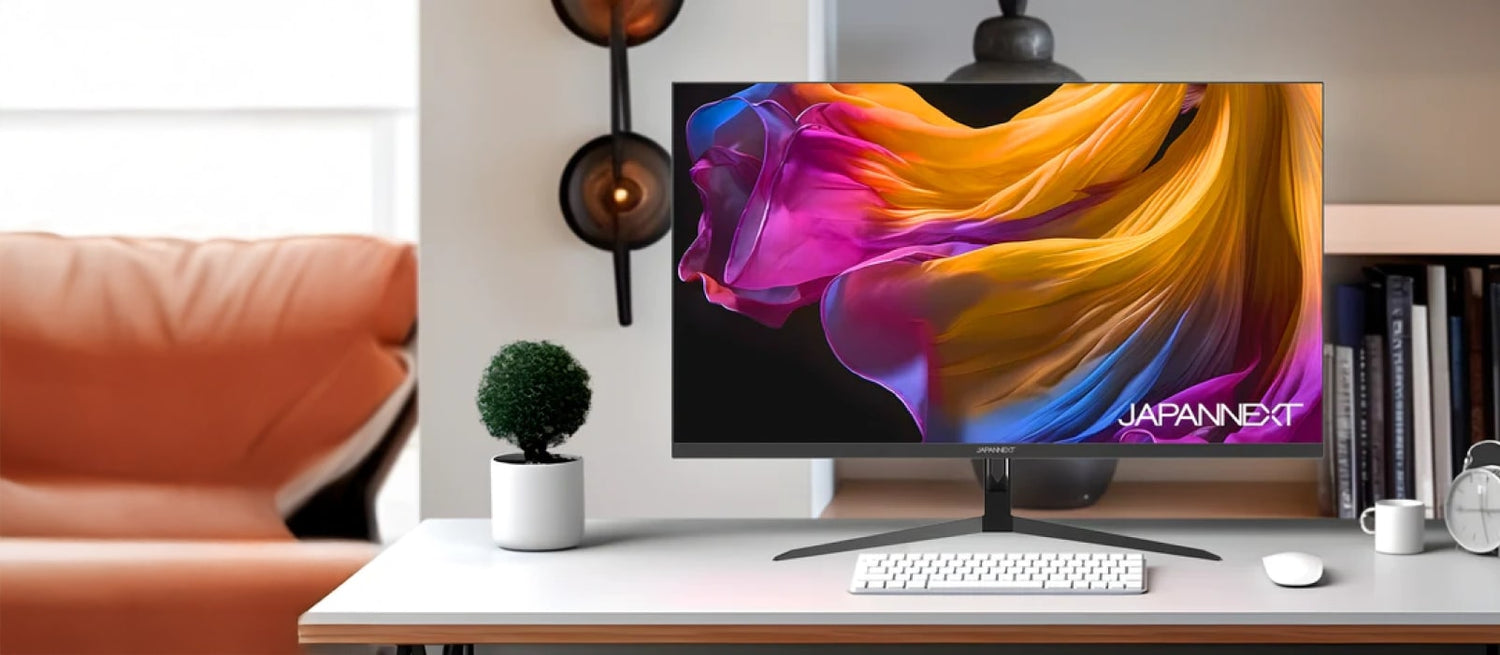
Desktop Monitor | 23.8" | 4K UHD

JN-IPS2380UHDR
Skip to product information
1 of 7

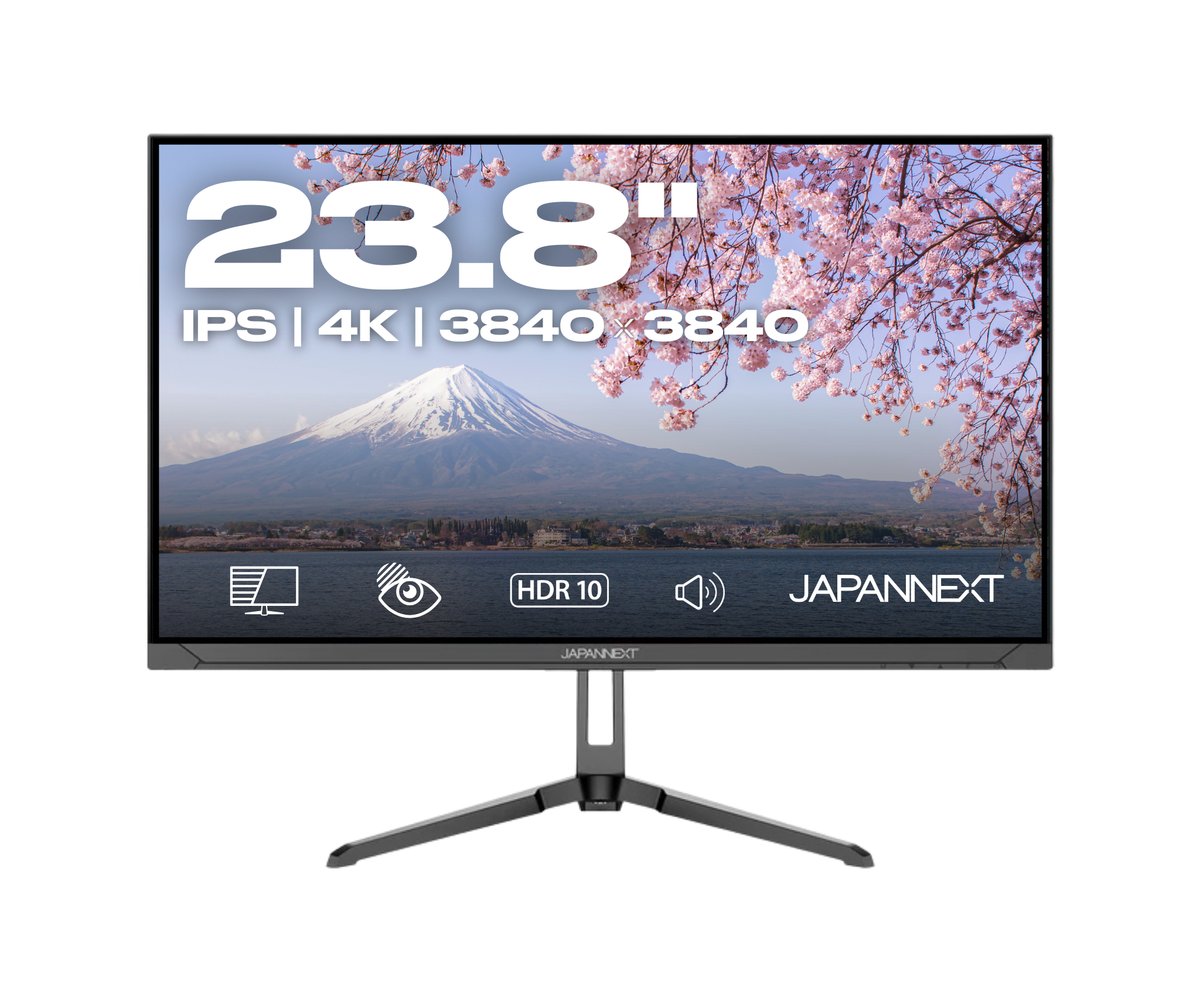
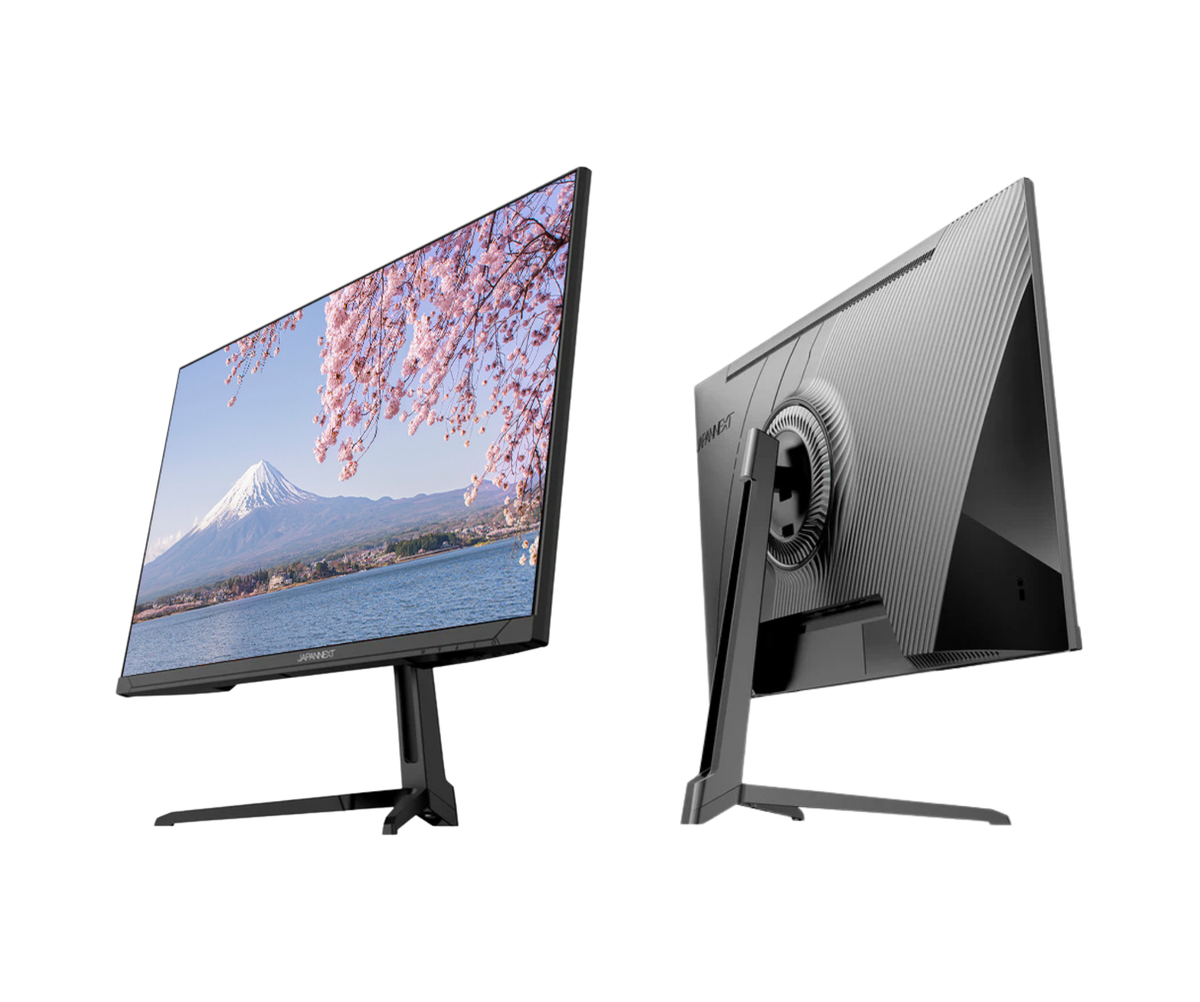
The Desktop Monitor | 23.8" | 4K UHD is ideal for users looking for exceptional resolution and uncompromising image quality.

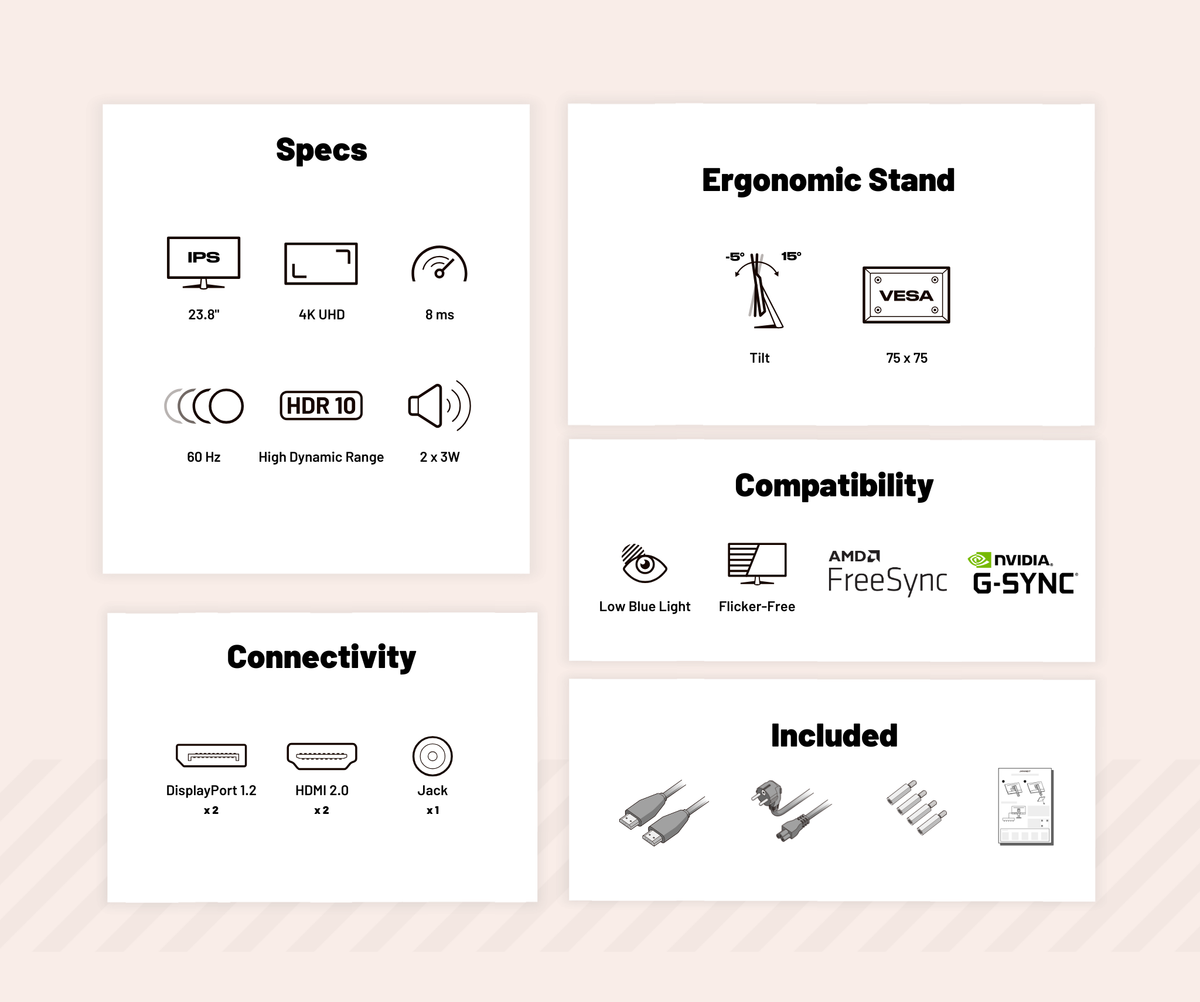
  • IPS panel: for high-end quality
  • Resolution: 3840x2160 4K UHD
  • Colors: 1.07 billion colors
  • Adjustments: available vertically or horizontally
  • PIP technology: view content from multiple sources simultaneously
  • HDR technology: more intense contrasts and richer colors
Regular price
249 €
Regular price
Sale price
249 €
Energy llass F Energy Label
Sold out Delivery within 10 days
3x Pay in 3 instalments of 83,0 Voir les conditions
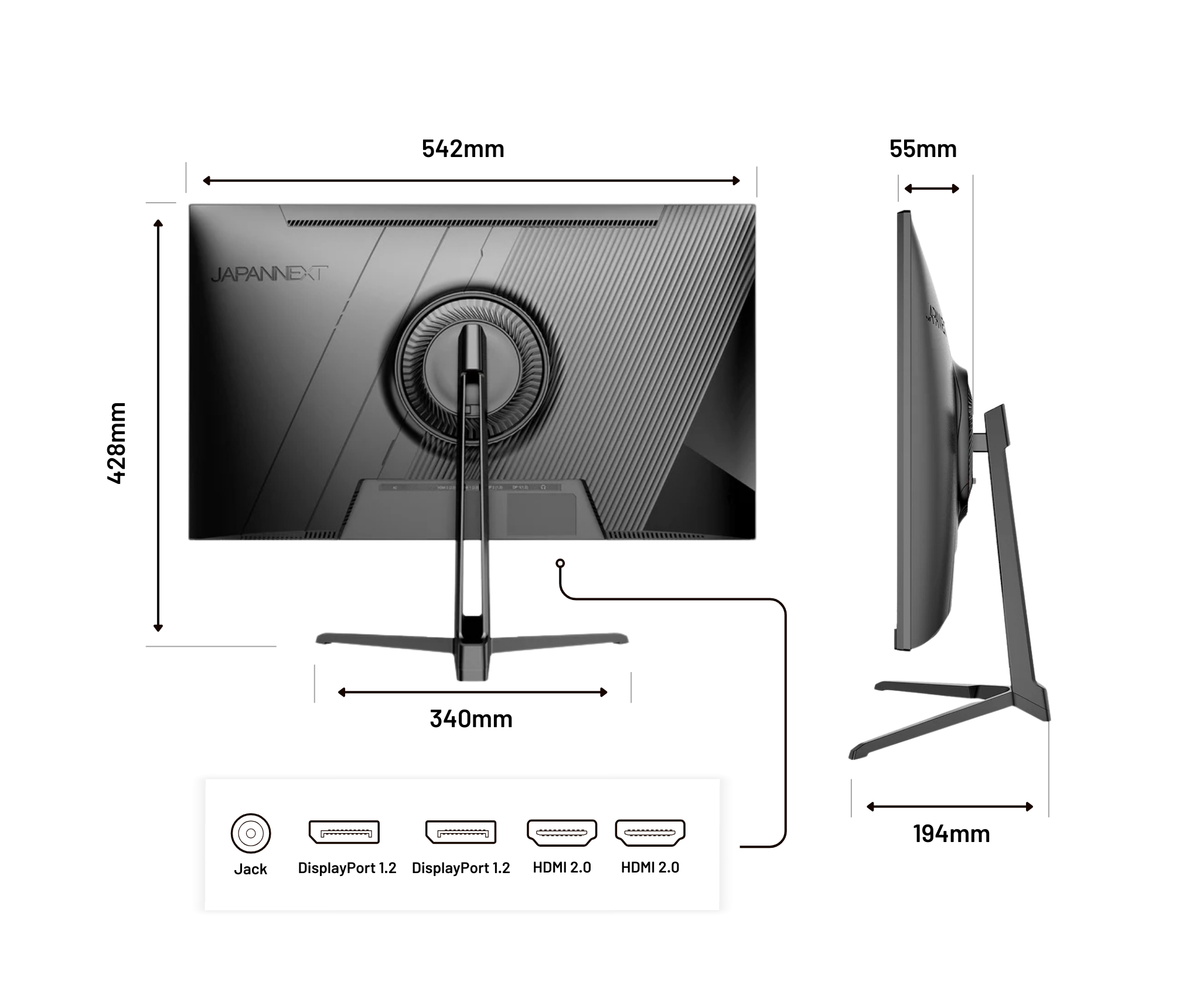
Connectivities
Energy llass F HDMI x2
Energy llass F DisplayPort x2
Energy llass F Jack plug
Desktop Monitor | 23.8" | 4K UHD

Features

UN ESPACE DE TRAVAIL SIMPLIFIÉ

  • Tilt

    Adjust the vertical angle forward or backward to ensure a clear and comfortable view, regardless of your posture.

  • VESA

    VESA compatibility allows you to easily mount your monitor on arms, stands, or wall mounts for quick and secure installation.

VOTRE IDÉAL AU QUOTIDIEN

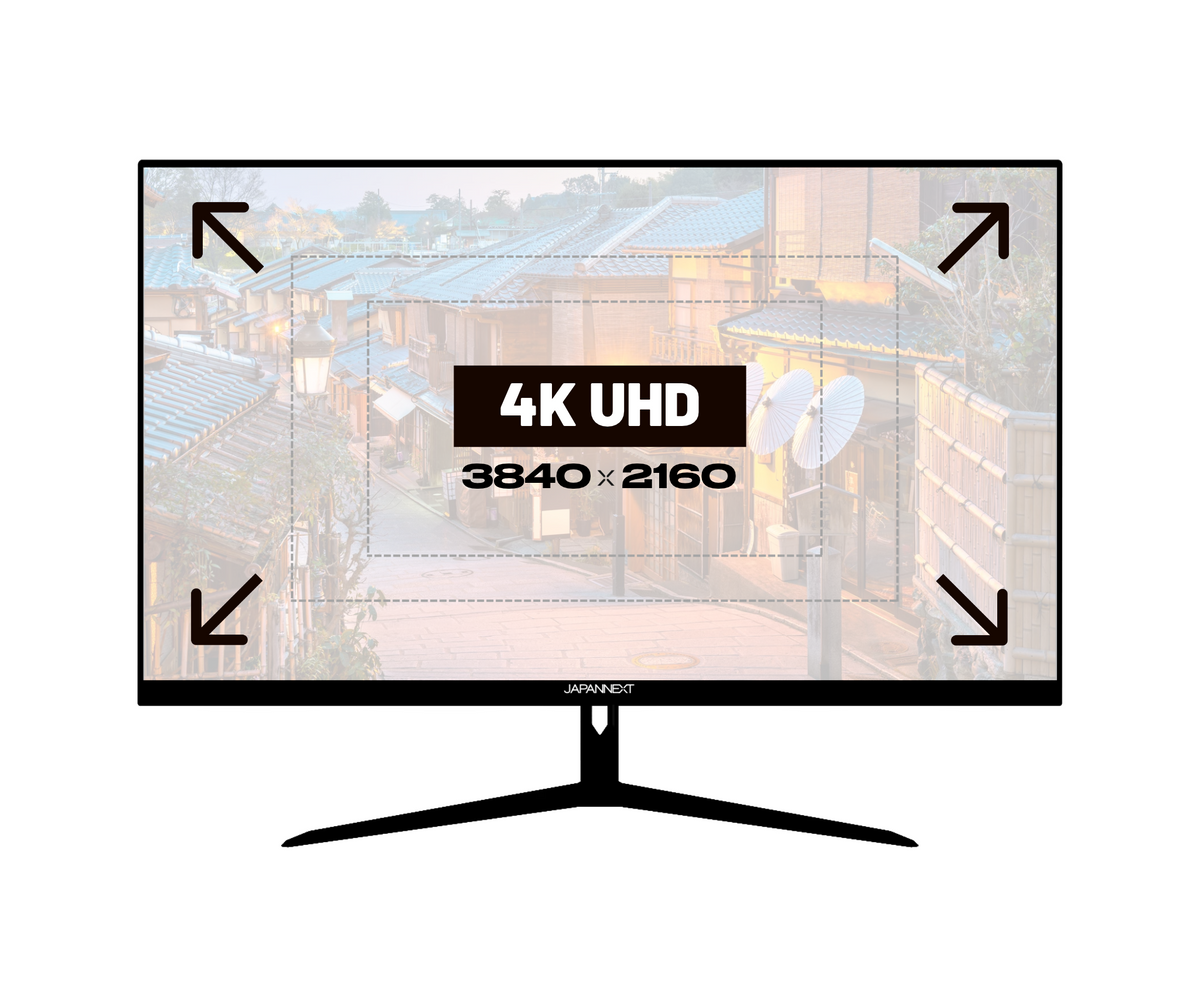
4K resolution: An ultra-precise visual experience

4K Ultra HD resolution is a feature that offers four times the image quality of Full HD, allowing you to watch content with exceptional sharpness, vibrant colors, and impressive detail. It transforms your monitor into an immersive and precise visual space.

Advantages:

  • Clarity and precision: every detail is visible with extreme sharpness, ideal for creative work or content editing.
  • Visual comfort: reduces eye strain and makes it easier to read text and analyze complex images.
  • Versatility: suitable for office work, graphic design, video, multitasking, and professional presentations.
Comparaison des résolutions 4K UHD, WQHD et Full HD illustrant les différences de définition et de netteté d’image.

HDR: Realistic colors and contrasts

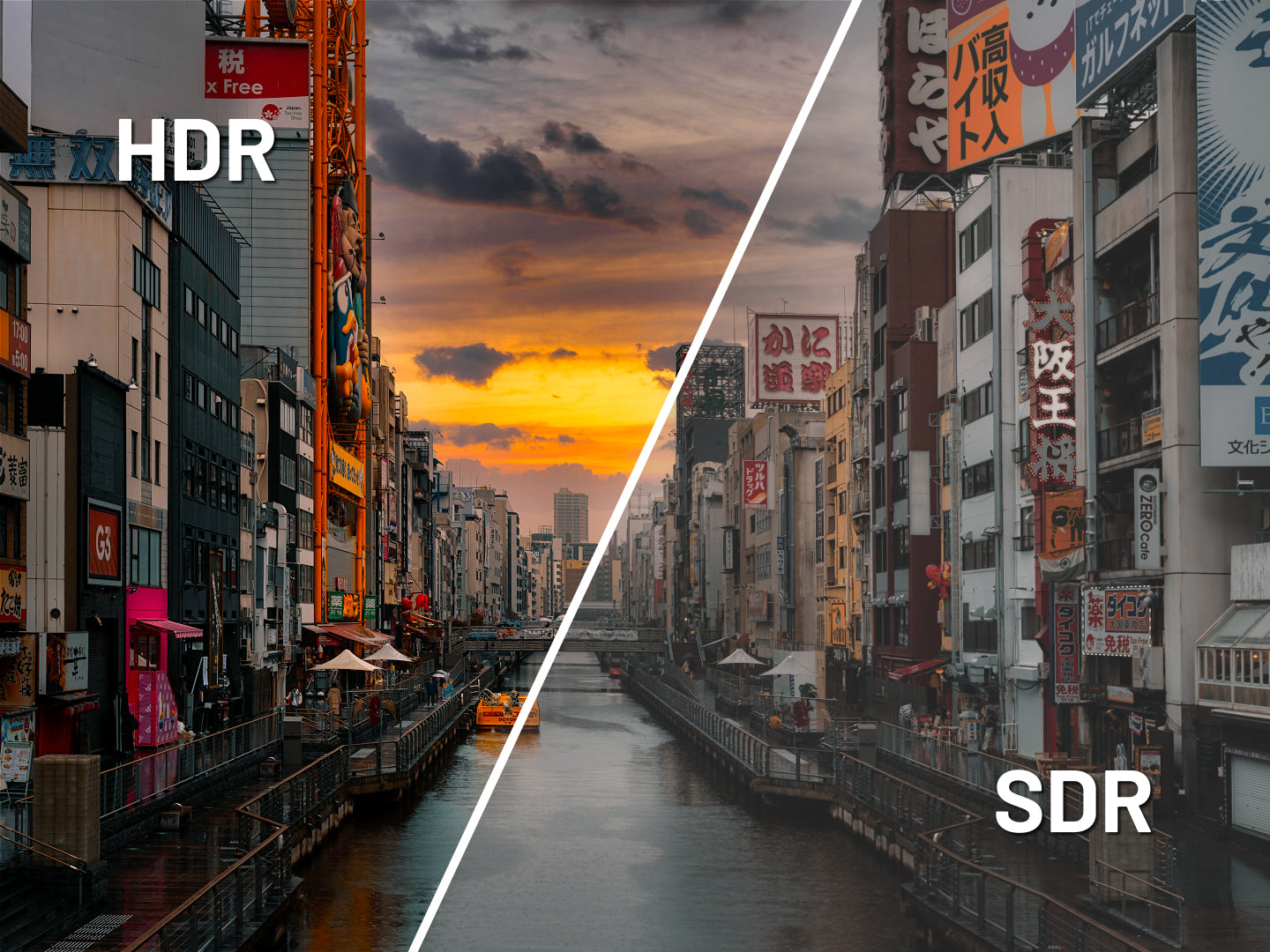
HDR (High Dynamic Range) improves display quality by expanding the range of brightness and colors. It makes blacks deeper, whites brighter, and colors richer.

Benefits:

  • Exceptional image quality: details are visible in both dark and bright areas.
  • More accurate colors: reproduction of a wider and more vivid color gamut.
  • Enhanced immersion: ideal for watching movies, TV shows, and playing games in high quality.
Comparaison de l’affichage HDR et SDR mettant en évidence les différences de contraste, de luminosité et de couleurs.

Low Blue Light: improved visual comfort

LowBlueLight technology reduces blue light emissions, which can disturb sleep and cause eye strain. It works by filtering or adjusting the light spectrum without altering color quality.

Benefits:

  • Sleep preservation: Reducing blue light helps maintain the natural circadian rhythm.
  • Less eye strain: Improves comfort during prolonged use, especially in the evening.
  • Family comfort: Recommended for children or teenagers who spend a lot of time in front of a screen.
Écran Low Blue Light : réduction de la lumière bleue activée ou désactivée

AMD FreeSync: Smooth, stutter-free gameplay

AMD FreeSync is an adaptive synchronization technology that dynamically adjusts the monitor's refresh rate to match the refresh rate generated by the graphics card. This synchronization eliminates image tearing and stuttering.

Benefits:

  • Optimal fluidity: movements are more natural, with no visual interruptions or delays.
  • Enhanced gaming experience: greater immersion thanks to smooth and responsive rendering, especially in fast-paced games (FPS, racing, action).
  • Reduced latency: improved responsiveness between the graphics card and the monitor.
Comparaison de l’affichage avec et sans AMD FreeSync pour illustrer la réduction des déchirures d’image et des saccades.

Flicker-Free: a clear display without flickering

FlickerFree technology removes or significantly reduces screen flicker, which is usually caused by brightness control. FlickerFree ensures stable brightness and increased visual comfort.

Benefits:

  • Reduced eye strain: limits discomfort during prolonged use, especially for office work or web browsing.
  • Increased comfort: allows you to look at the screen for hours without feeling discomfort or eye strain.
  • Suitable for professionals and students: essential for those who spend a lot of time in front of a screen (graphic designers, developers, etc.).
Écran Flicker Free sans scintillement : activé contre désactivé
Comparaison des résolutions 4K UHD, WQHD et Full HD illustrant les différences de définition et de netteté d’image.
Comparaison de l’affichage HDR et SDR mettant en évidence les différences de contraste, de luminosité et de couleurs.
Écran Low Blue Light : réduction de la lumière bleue activée ou désactivée
Comparaison de l’affichage avec et sans AMD FreeSync pour illustrer la réduction des déchirures d’image et des saccades.
Écran Flicker Free sans scintillement : activé contre désactivé

Technical assets

Panel
Features
Connectivity
Audio
Settings
Consumption
Condition of use
Dimensions & weight
Other
Type IPS
Size 23.8'' (60.96 cm)
Resolution 4K UHD (3840x2160)
Refresh Rate 60 Hz
Response Time 8.0 ms
Backlighting E-LED
Brightness 300
Contrast ratio 1300:1
Dynamic Contrast Ratio Inclus
Aspect Ratio 16:9
Pixel Pitch 0.137
Angle Viewing (HxV) 178° x 178°
Colour Support 1.07 billion
DCI-P3 95 %
Coating Matte
Delivered with
  • Quick Start Guide

  • Power cable

  • HDMI cable

  • VESA spacer

Reviews
Helpdesk
The monitor specialist
  • FREE Express Delivery

    No need to wait to enjoy your screen, JAPANNEXT offers express delivery within 48 hours .

  • Dedicated customer service

    Rest assured, our team is available to advice you and support you in your purchase.

  • Payment in 3x without fees

    With our partner Klarna, pay for your screen in 3 monthly installments and all free of charge.