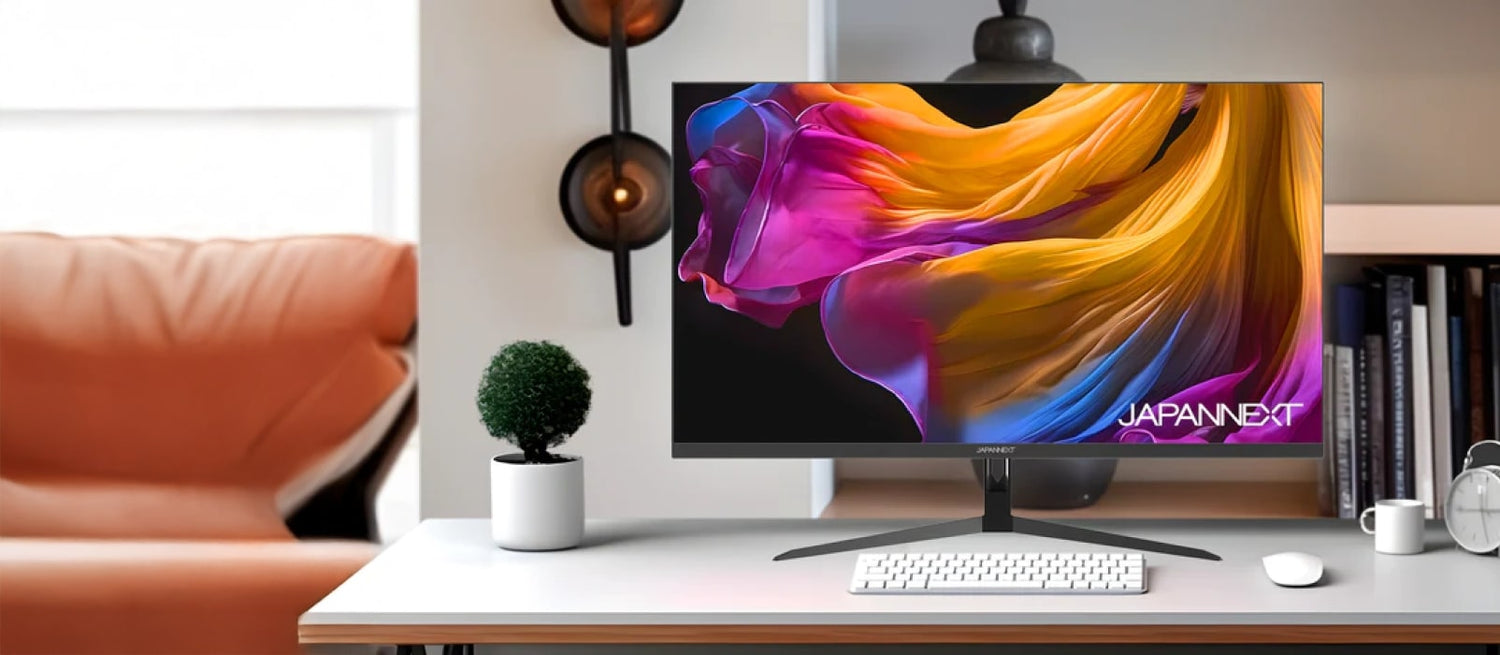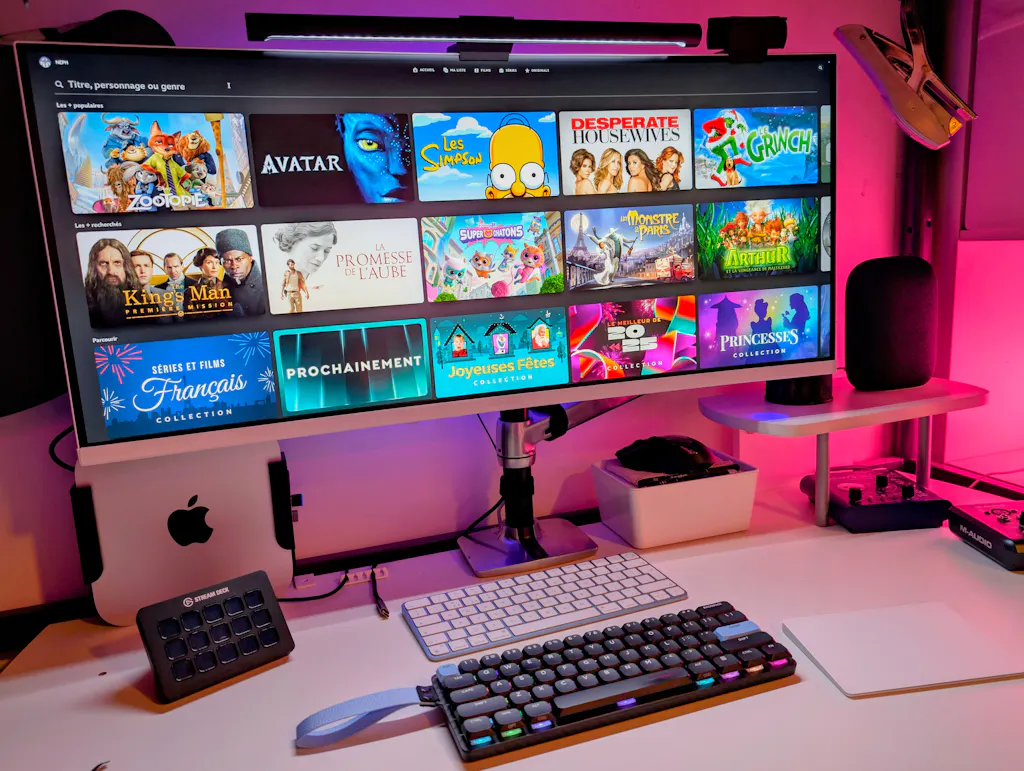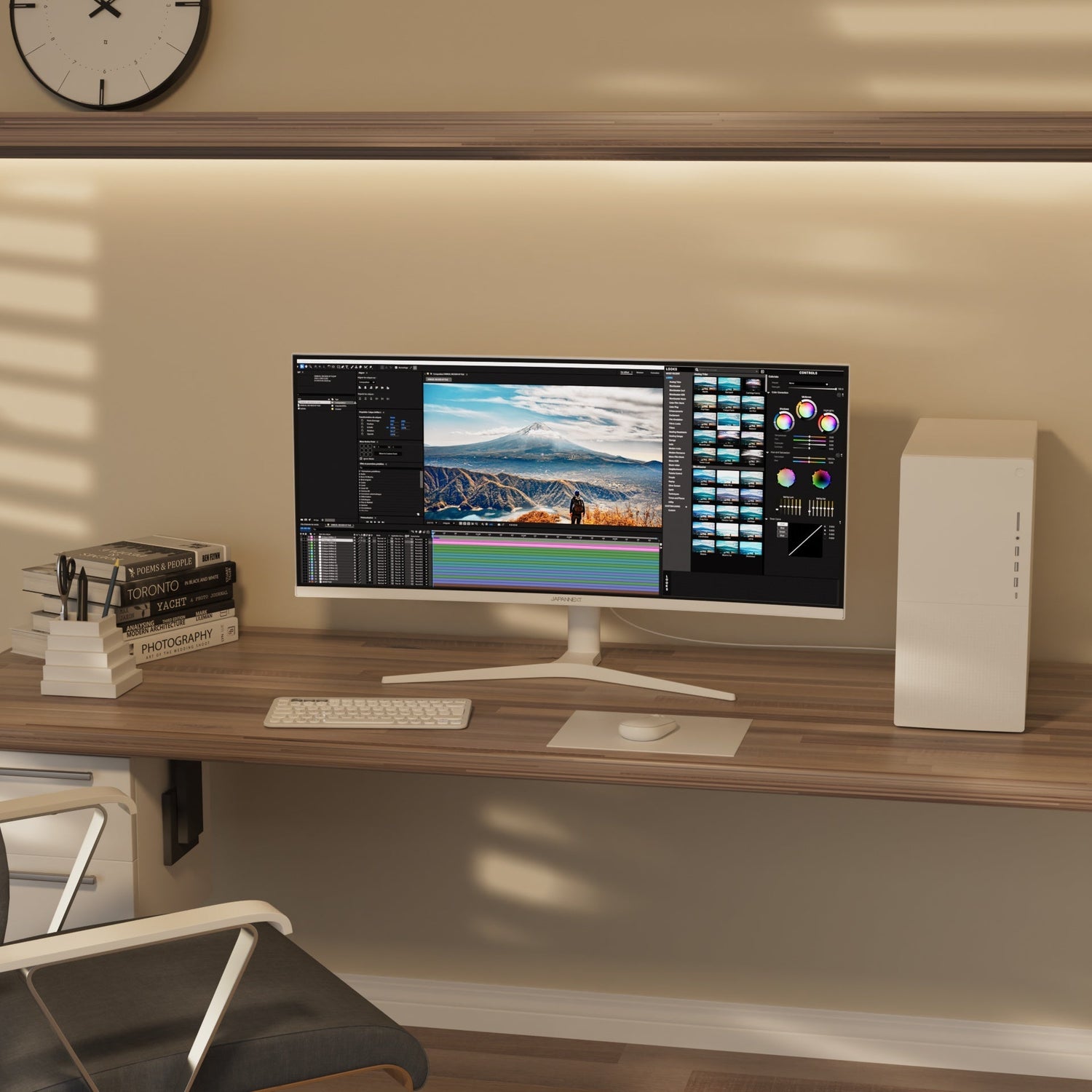
Curved Monitor | 34" | UWQHD | IPS Panel | White

JN-IPS34Q-HC6-W
Skip to product information
1 of 13
  • Play video
  • Play video

34” UWQHD Curved Monitor – Ultra-Wide Elegance, Comfort and Productivity


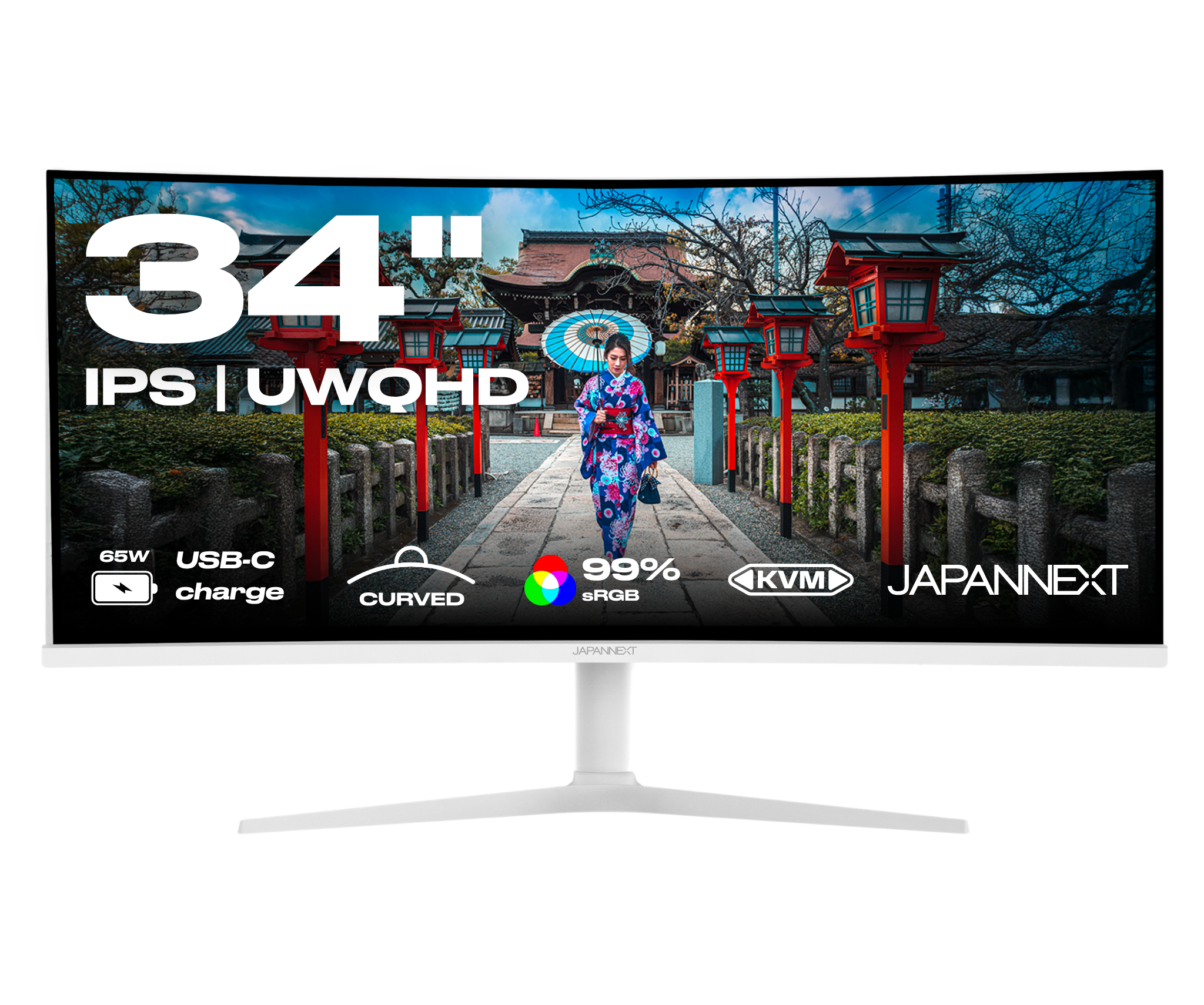
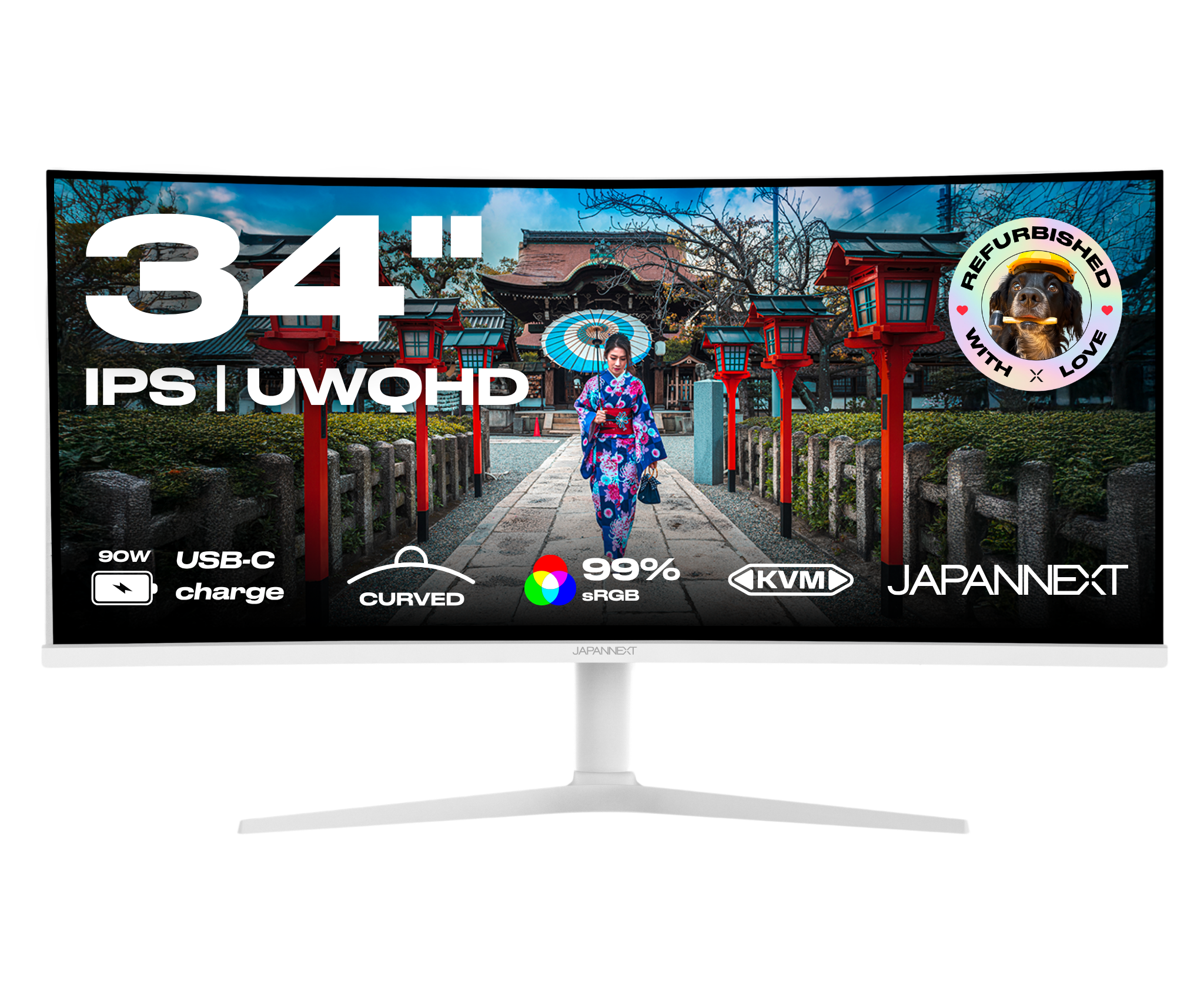
Designed for demanding professionals, this 34” curved monitor with a sleek white design offers an immersive working experience with its UWQHD resolution (3440x1440) and its IPS panel. Enjoy a panoramic display ideal for multitasking, all with optimal visual comfort and comprehensive connectivity, using a USB-C with 65W charging.


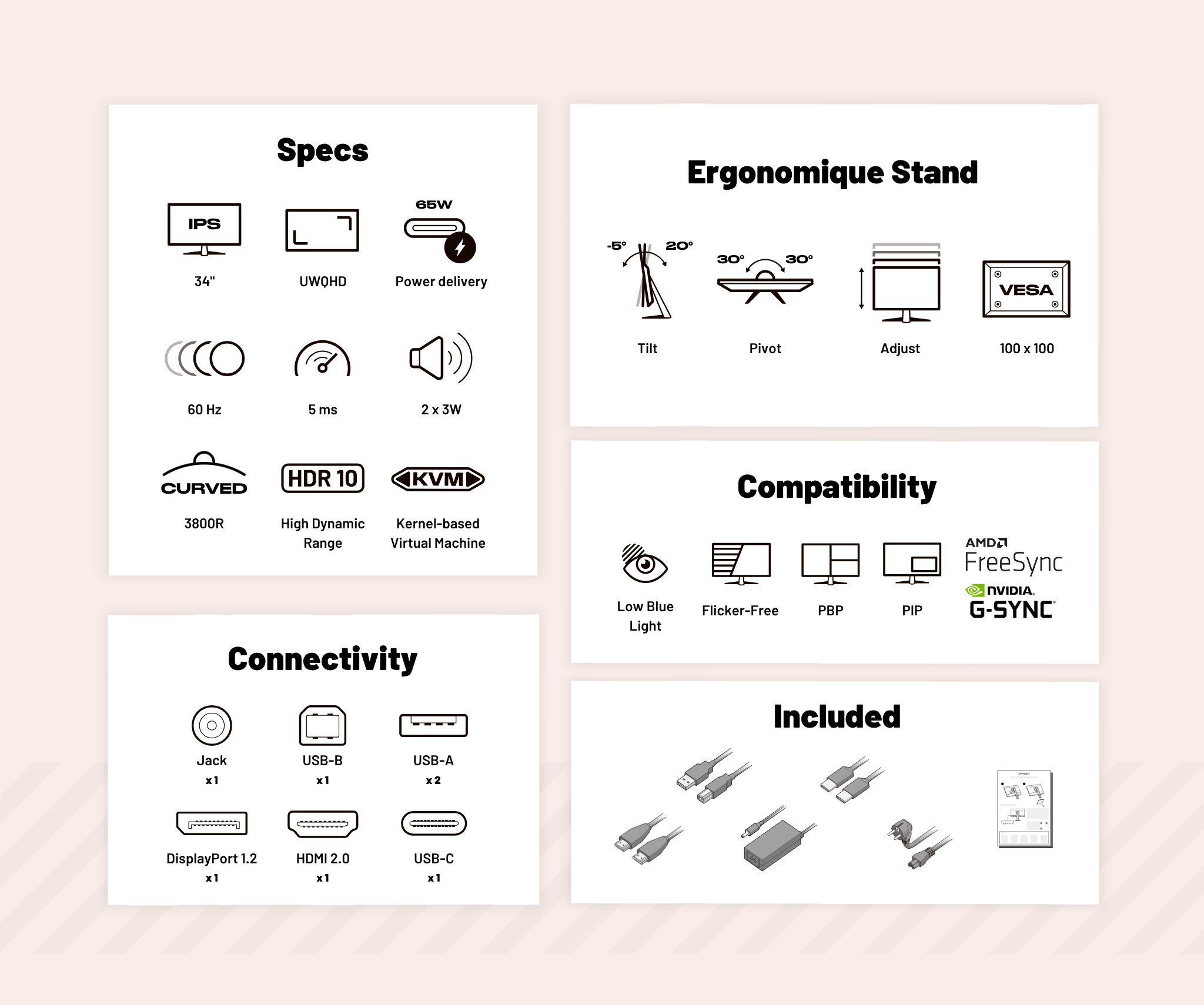
  • UWQHD resolution (3440x1440): more space to work efficiently

  • Curved IPS panel: faithful colors, wide angles and visual immersion

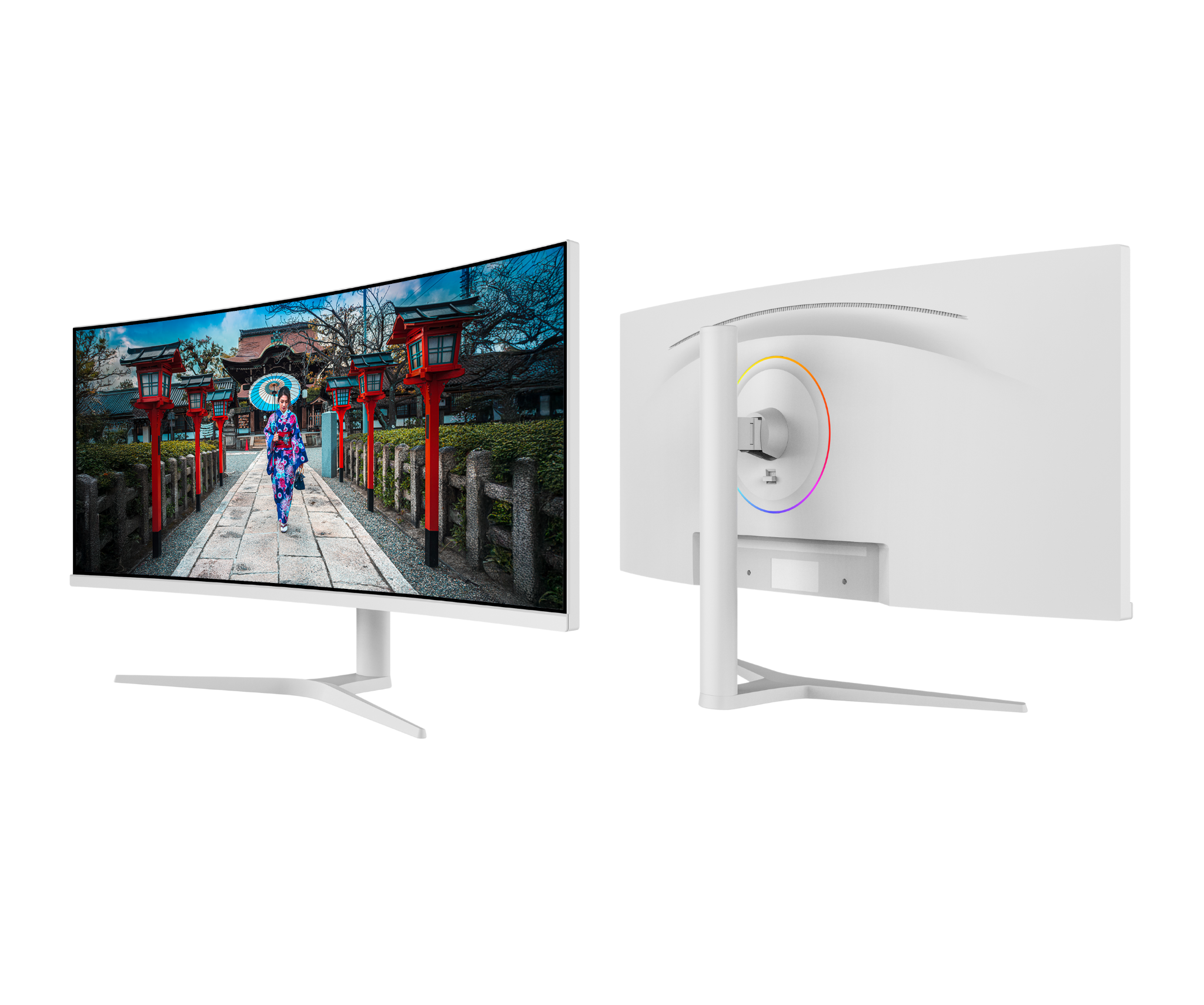
  • Sleek white design: fits perfectly into a modern office

  • USB-C with 65W Power Delivery: a single cable for image, audio, data and charging

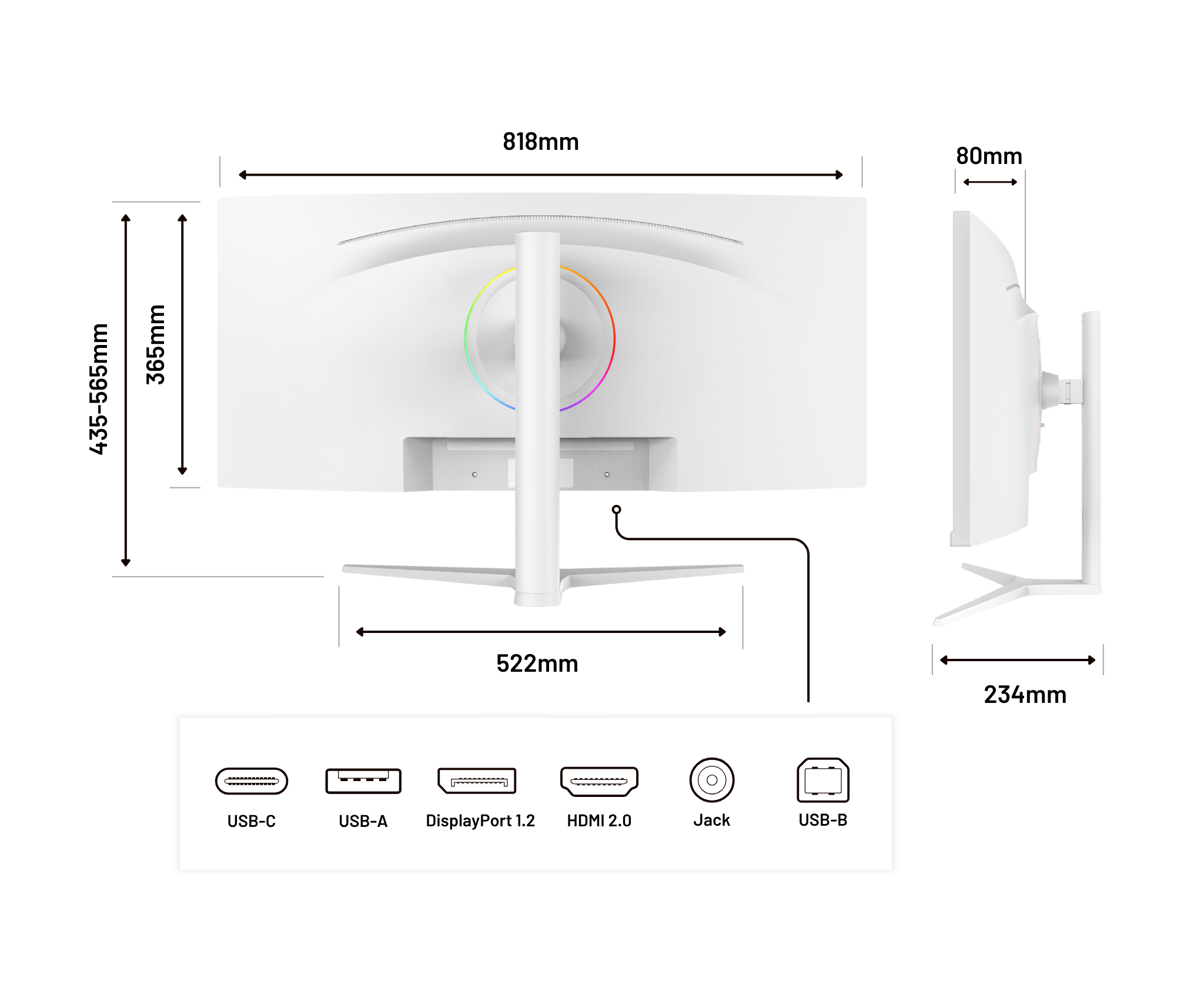
  • Versatile connectivity: HDMI 2.0 | DisplayPort 1.2 | USB-C | USB hub | audio output

  • Height adjustable: ergonomic stand for tailored comfort

  • 1.07 billion colors: high precision for image professionals

  • Advanced features: HDR, low blue light mode, PIP/PBP multi-window, KVM, FreeSync


A large, comprehensive and understatedly powerful monitor to boost your daily productivity.

Regular price
359 €
Regular price
Sale price
359 €
In stock, ready to ship Delivery within 48 hours
3x Pay in 3 instalments of 119,66 Voir les conditions
Curved Monitor | 34" | UWQHD | IPS | White
359 €
Curved Monitor | 34" | UWQHD | USB-C charge
349 €
Curved Monitor | 37.5" | UWQHD+ | IPS
599 €
Gaming Monitor | 40” | IPS | UWQHD | 144Hz
479 €
Connectivities
Energy llass E HDMI
Energy llass E DisplayPort
Energy llass E USB-C
Energy llass E USB-B
Energy llass E USB-A x2
Energy llass E Jack plug
Curved Monitor | 34" | UWQHD | IPS Panel | White
Curved Monitor | 34" | UWQHD | IPS Panel | White Curved Monitor | 34" | UWQHD | IPS Panel | White
Curved Monitor | 34" | UWQHD | IPS Panel | White

Features

Suitable for all levels!

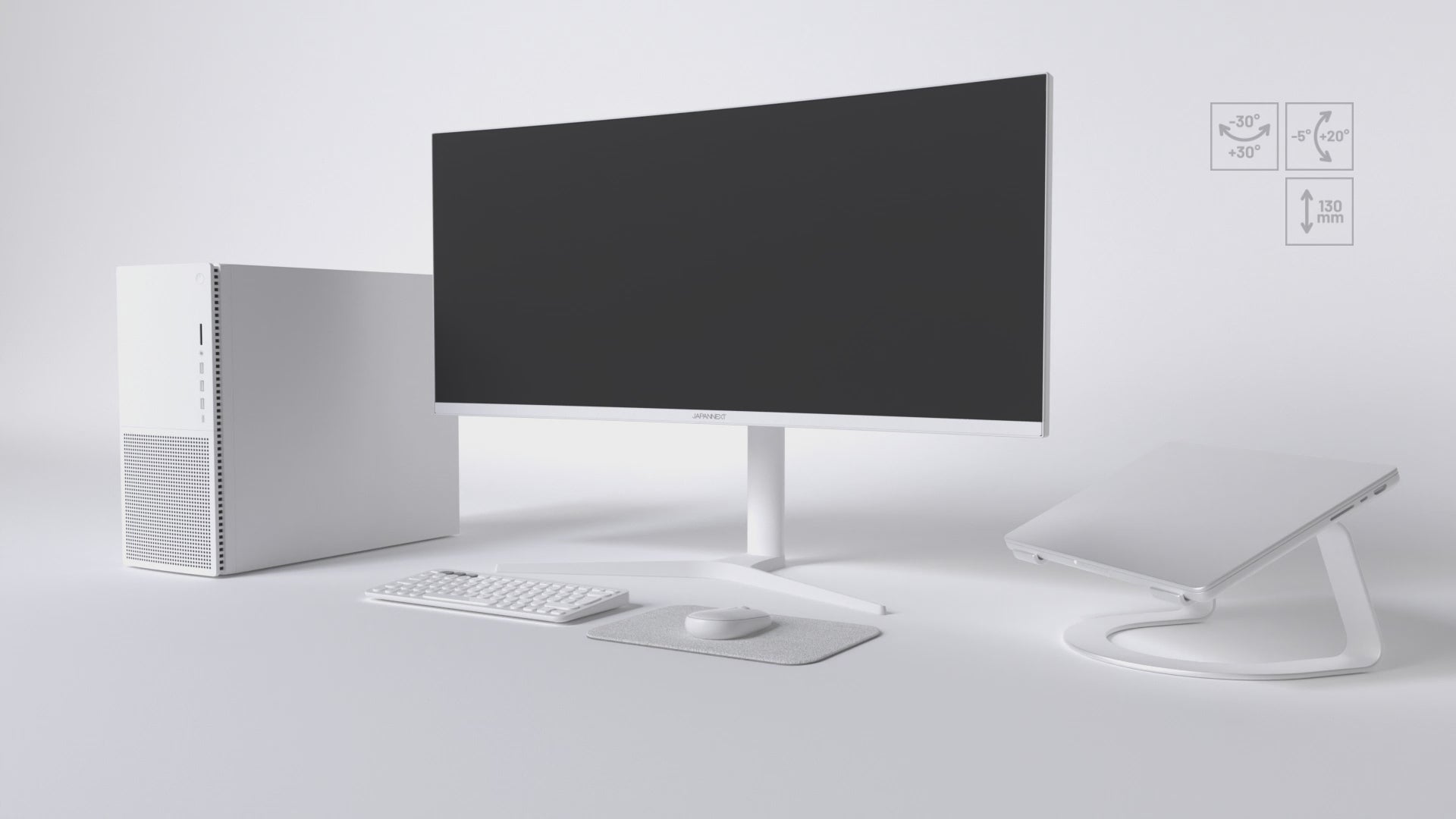
  • Pivot

    Rotate the monitor horizontally to easily direct it toward a colleague, customer, or second workstation.

  • Adjust

    Adjust the screen height to suit your sitting or standing position to reduce neck strain and improve ergonomics.

  • Tilt

    Adjust the vertical angle forward or backward to ensure a clear and comfortable view, regardless of your posture.

  • VESA

    VESA compatibility allows you to easily mount your monitor on arms, stands, or wall mounts for quick and secure installation.

Your ideal, immersion within reach

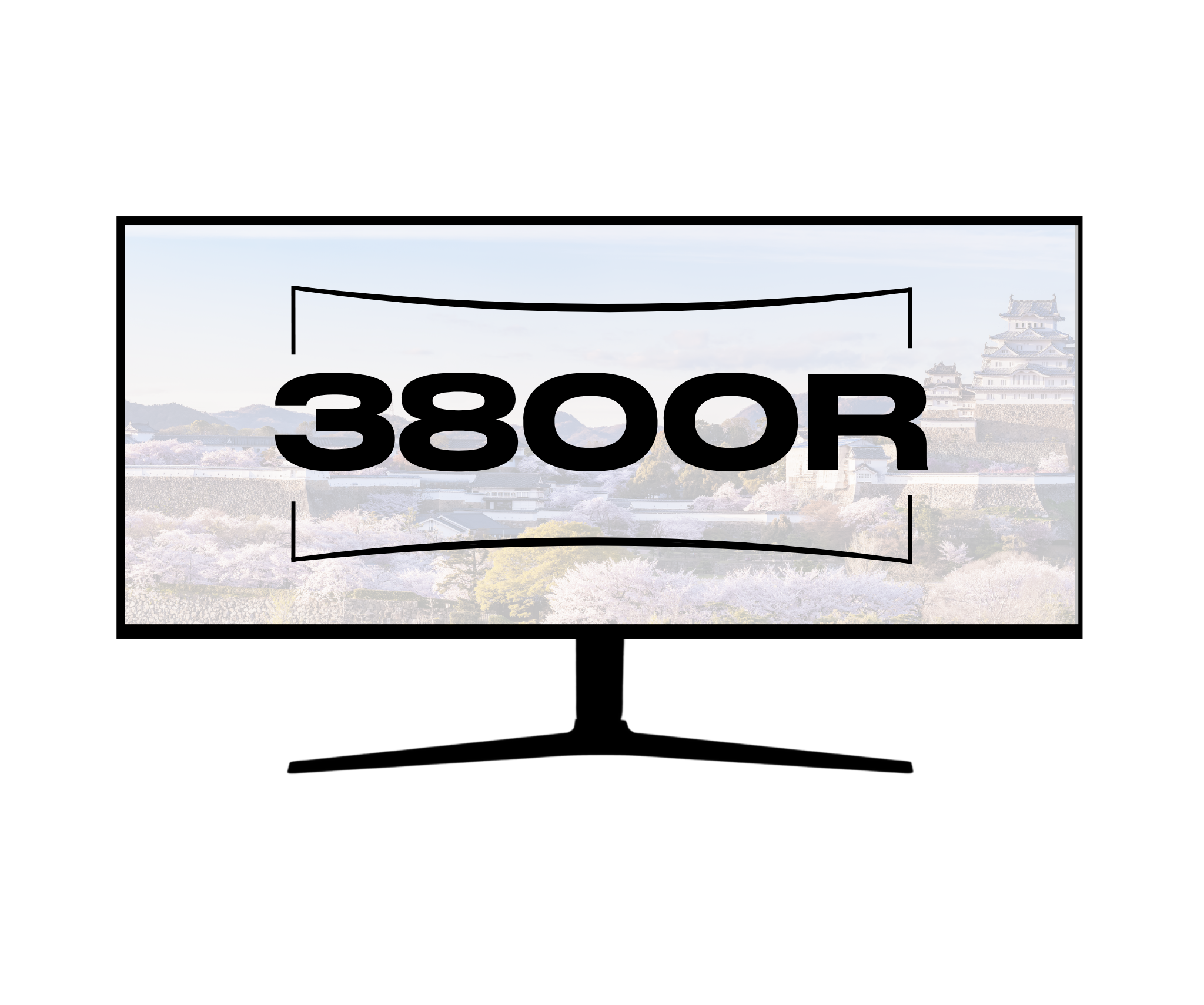
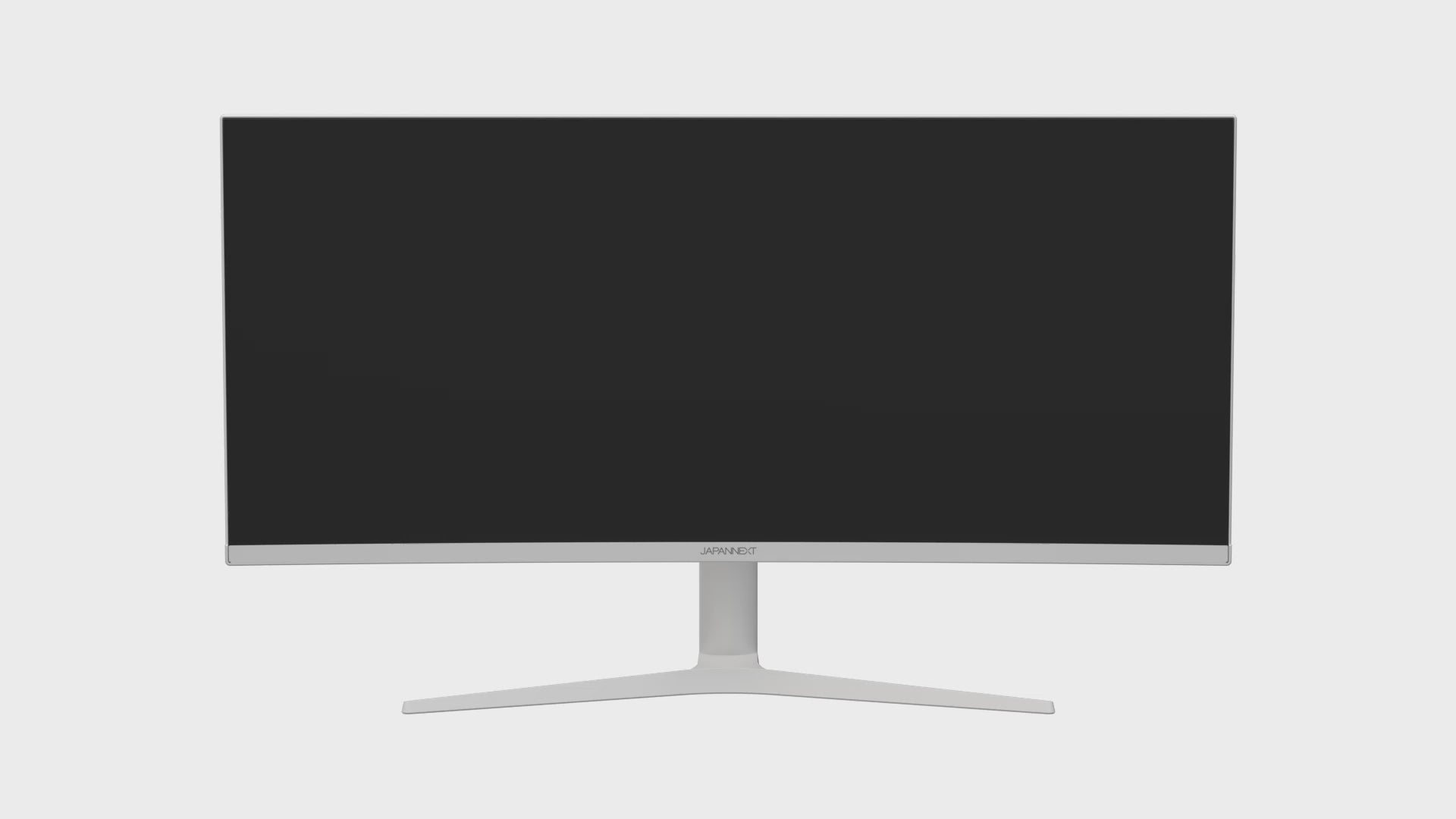
Curved monitor: The monitor that surrounds you

Curved monitor is a technology that surrounds your visual range with a subtle curve, providing total visual immersion. Each image becomes more natural and closer to your perception, for unparalleled viewing and gaming comfort.

Benefits:

  • Enhanced immersion: the curve of the screen makes you feel like you're right in the middle of the action.
  • Visual comfort: reduces eye strain by adapting your vision to the natural curve of your gaze.
  • Captivating experience: ideal for gaming, movies, and content creation, where every detail counts.

The performance of Power Delivery

USB Power Delivery is a fast charging technology for USB Type-C that allows you to charge your PC or MAC directly, as well as accessories such as your phone.

Advantages:

  • Much faster charging: you can charge your device up to 70% faster than with standard 5W charging.
  • High-speed safety: USB Type-C connectors have been designed specifically to support high-power levels.
  • Compatible with PC and Mac

HDR: Realistic colors and contrasts

HDR (High Dynamic Range) improves display quality by expanding the range of brightness and colors. It makes blacks deeper, whites brighter, and colors richer.

Benefits:

  • Exceptional image quality: details are visible in both dark and bright areas.
  • More accurate colors: reproduction of a wider and more vivid color gamut.
  • Enhanced immersion: ideal for watching movies, TV shows, and playing games in high quality.

KVM

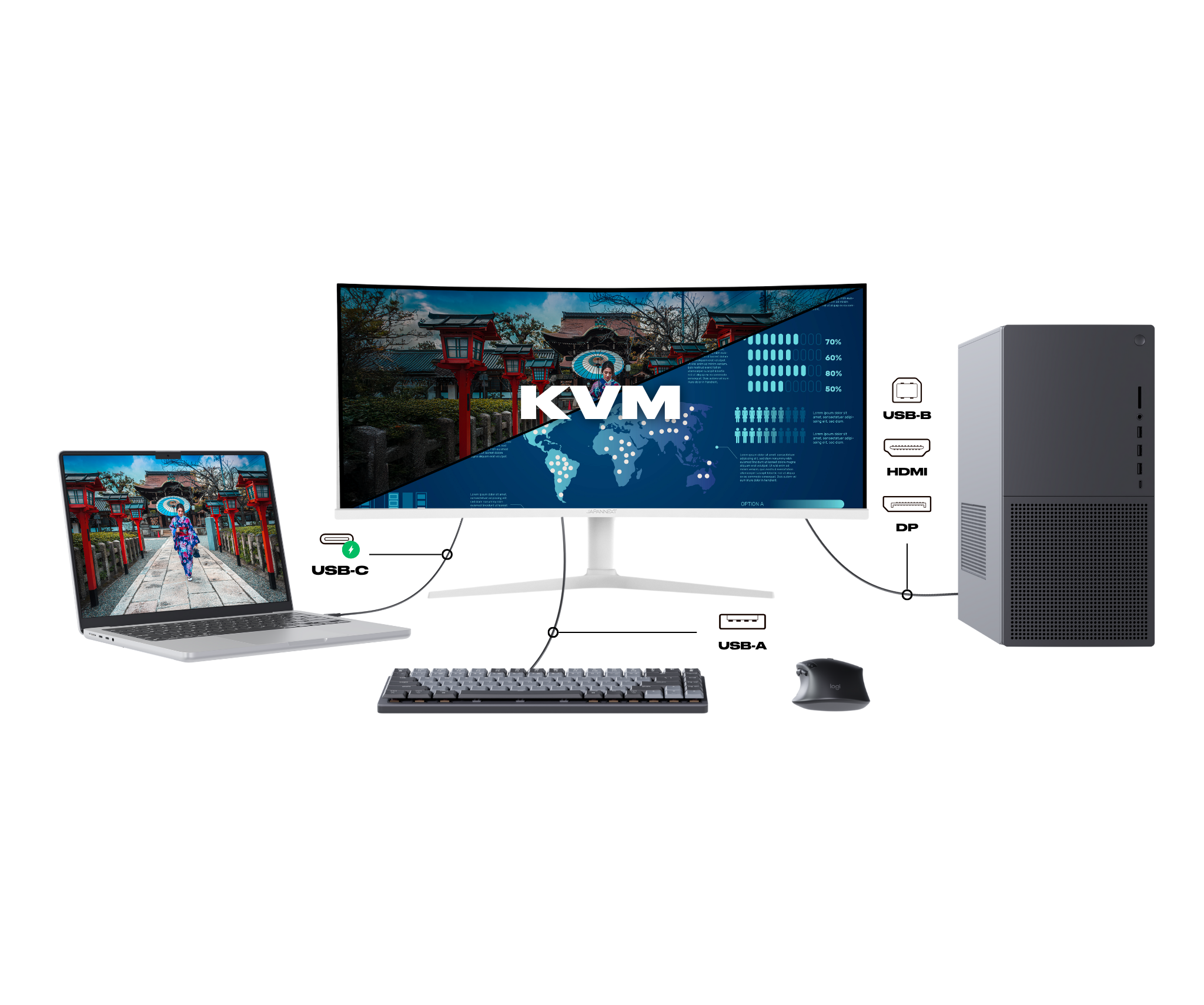
KVM is a feature that allows you to control multiple computers from a single keyboard, monitor, and mouse. You can easily switch between devices without having to physically change peripherals.

Advantages:

  • Centralized management: control multiple computers from a single workstation.
  • Space savings: reduce clutter and simplify your workspace.
  • Increased productivity: quickly switch between devices without interruption.

Low Blue Light: improved visual comfort

LowBlueLight technology reduces blue light emissions, which can disturb sleep and cause eye strain. It works by filtering or adjusting the light spectrum without altering color quality.

Benefits:

  • Sleep preservation: Reducing blue light helps maintain the natural circadian rhythm.
  • Less eye strain: Improves comfort during prolonged use, especially in the evening.
  • Family comfort: Recommended for children or teenagers who spend a lot of time in front of a screen.

Flicker-Free: a clear display without flickering

FlickerFree technology removes or significantly reduces screen flicker, which is usually caused by brightness control. FlickerFree ensures stable brightness and increased visual comfort.

Benefits:

  • Reduced eye strain: limits discomfort during prolonged use, especially for office work or web browsing.
  • Increased comfort: allows you to look at the screen for hours without feeling discomfort or eye strain.
  • Suitable for professionals and students: essential for those who spend a lot of time in front of a screen (graphic designers, developers, etc.).

Picture in Picture: Video in Multitasking Mode

Picture in Picture (PiP) is a feature that allows you to display a video or video call in a small floating window while continuing to use other applications on the main screen. The video remains visible at all times, even if you switch to another task.

Advantages:

  • Easy multitasking: you can watch a video, follow a tutorial, or maintain a video call while browsing the Internet, responding to messages, or working on another task.
  • Display flexibility: the floating window can be moved or resized according to your needs.

Picture by Picture

Picture by Picture (PbP) is a feature that allows you to display two video sources side by side on the same screen, each in its original size and resolution. It transforms your monitor into two perfectly aligned virtual screens.

Advantages:

  • Optimized productivity: work on a document while monitoring a video stream or comparing two pieces of content without switching screens.
  • Flexible display: each source keeps its resolution and can be placed side by side for a clear and balanced view.
  • Simplified multitasking: ideal for office work, video production, data analysis, or monitoring multiple systems.

AMD FreeSync: Smooth, stutter-free gameplay

AMD FreeSync is an adaptive synchronization technology that dynamically adjusts the monitor's refresh rate to match the refresh rate generated by the graphics card. This synchronization eliminates image tearing and stuttering.

Benefits:

  • Optimal fluidity: movements are more natural, with no visual interruptions or delays.
  • Enhanced gaming experience: greater immersion thanks to smooth and responsive rendering, especially in fast-paced games (FPS, racing, action).
  • Reduced latency: improved responsiveness between the graphics card and the monitor.

Technical assets

Panel
Features
Connectivity
Audio
Settings
Consumption
Condition of use
Dimensions & weight
Other
Type IPS
Size 34.0'' (86.4 cm)
Resolution UWQHD (3440x1440)
Refresh Rate 60 Hz
Response Time 5.0 ms
Backlighting E-LED
Brightness 300
Contrast ratio 1000:1
Dynamic Contrast Ratio Inclus
Aspect Ratio 21:9
Pixel Pitch 0.232
Angle Viewing (HxV) 178° x 178°
Colour Support 1.07 billion
DCI-P3 85 %
Coating Non-glossy
Curved Yes
Curvature 3800 R
Delivered with
  • Adapter

  • Power cable

  • HDMI cable

  • USB-C cable

  • USB-A to USB-B cable

  • Quick Start Guide

Reviews
Helpdesk
The monitor specialist
  • FREE Express Delivery

    No need to wait to enjoy your screen, JAPANNEXT offers express delivery within 48 hours .

  • Dedicated customer service

    Rest assured, our team is available to advice you and support you in your purchase.

  • Payment in 3x without fees

    With our partner Klarna, pay for your screen in 3 monthly installments and all free of charge.